Blog / / 6 min read
Three tries at plugging in hard drives
Building Magnus, my NAS: onboard SATA, a SATA card, and finally an HBA. Plus a fan zip-tied where no fan should be.
Magnus is my NAS. It runs Unraid, holds all the storage in the house, and it’s where my private Gitea lives. It also took me way more attempts than it should have to get hard drives talking to it properly.
The short version: onboard SATA, then a SATA card, then an HBA. Here’s the long version.
Try one: just use the motherboard
The plan was simple. Put a regular desktop board in a Jonsbo N5, which is a really nice NAS case with a bunch of hot swap bays up front, and plug the drives straight into the motherboard’s SATA ports.
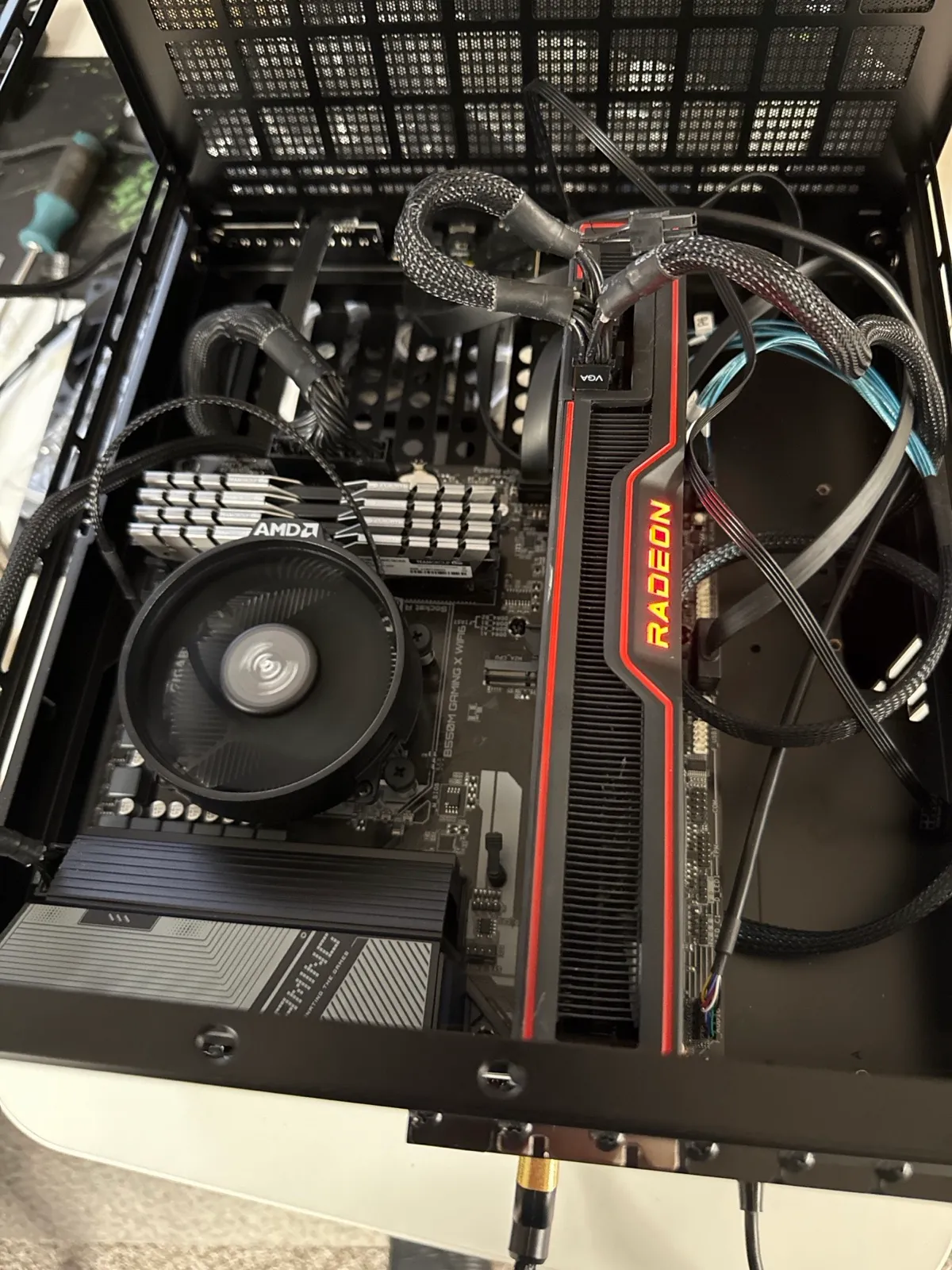
Early Magnus. Desktop board, desktop GPU, drives on the onboard SATA ports.
And for a while that worked fine. The problem with a desktop motherboard is that it’s built for a desktop. You only get a handful of SATA ports, and on a lot of boards some of them share lanes with other stuff, like the M.2 slots. Once I wanted more out of it than the board could give me, I ran out of road.
Try two: a SATA card
The obvious fix is a SATA expansion card. Plug it into a PCIe slot, get more ports, done. Cheap, easy, and everyone online has one.
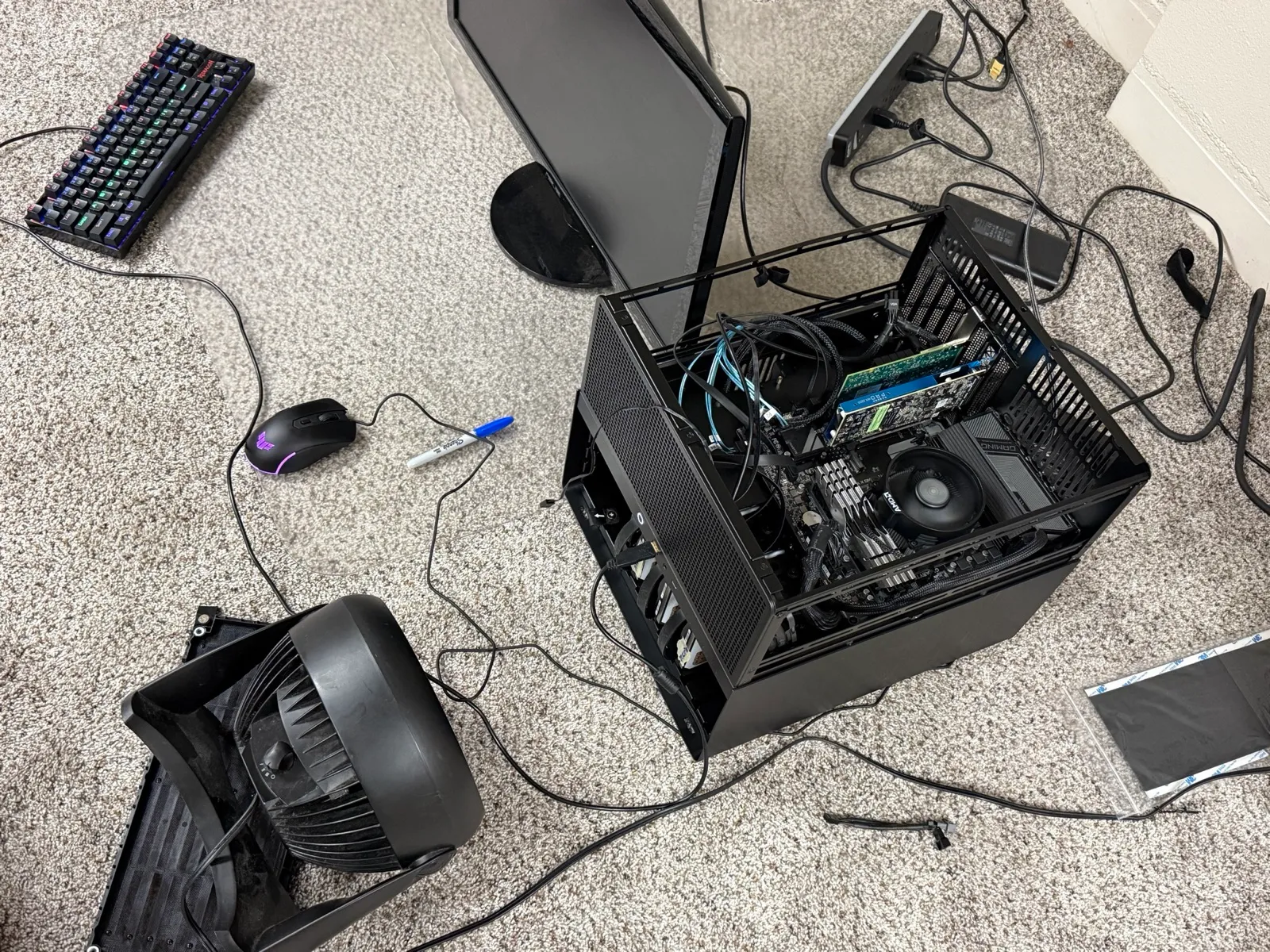
The rebuild. Every NAS spends some of its life on the floor like this.
It gave me the ports, but it also gave me problems. Drives would drop out of the array, and they started throwing SMART errors. SMART is the health report a drive keeps on itself, so when errors show up there, your first thought is that the drives are dying.
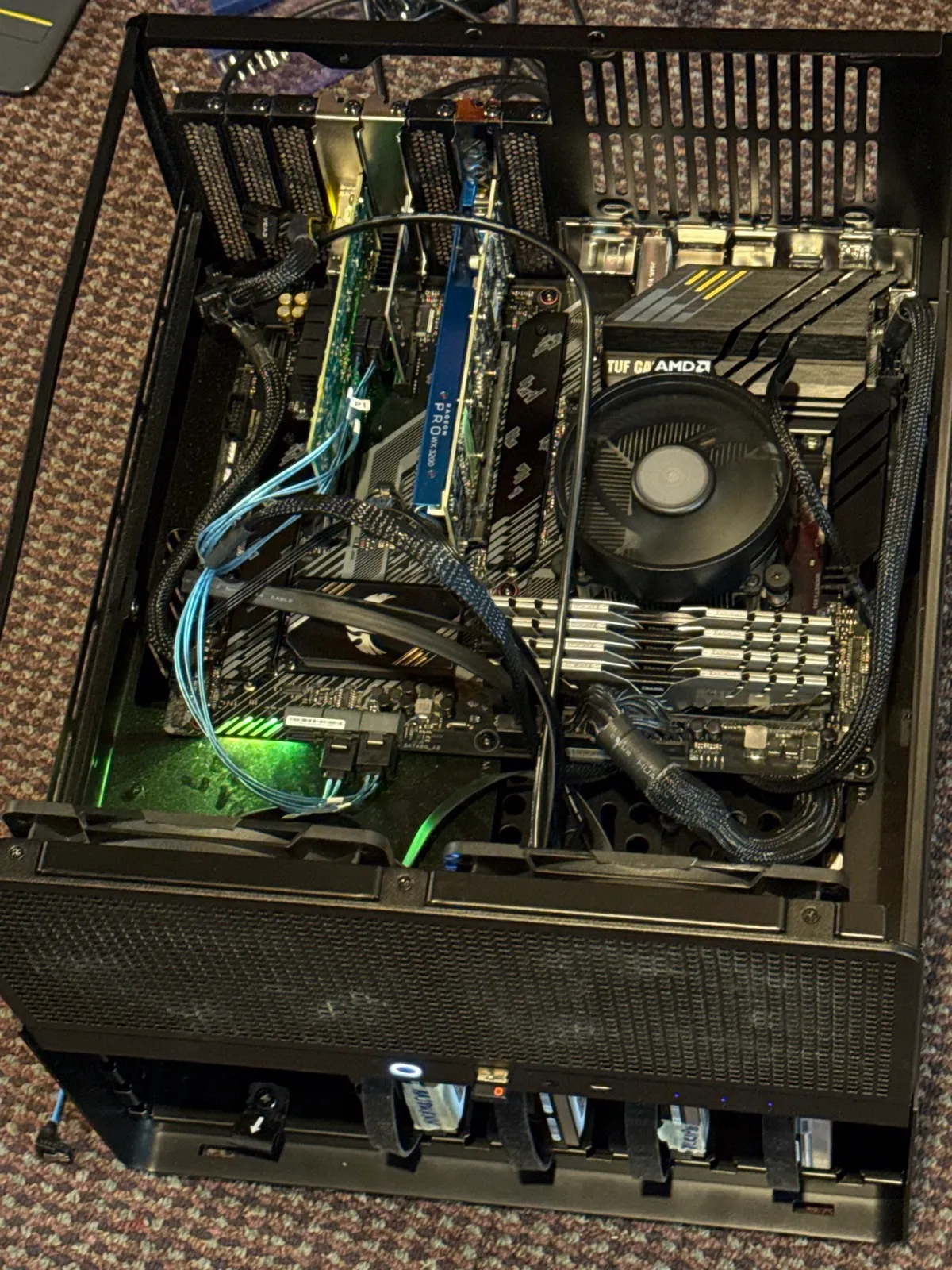
The SATA card that caused all the trouble. New motherboard by this point too.
That’s the scary part with a NAS. The whole job of this machine is to make sure drives are there and healthy every single time, and I couldn’t trust that anymore. A storage box you have to babysit isn’t really doing its job.
The other fight: heat
Ports weren’t the only thing I was fighting. Magnus lives in a mechanical room, and that room can get toasty. Hard drives really don’t like heat, and a case packed with spinning drives makes plenty of its own. So keeping the drives cool turned into one of the biggest parts of building Magnus, right alongside getting them connected.
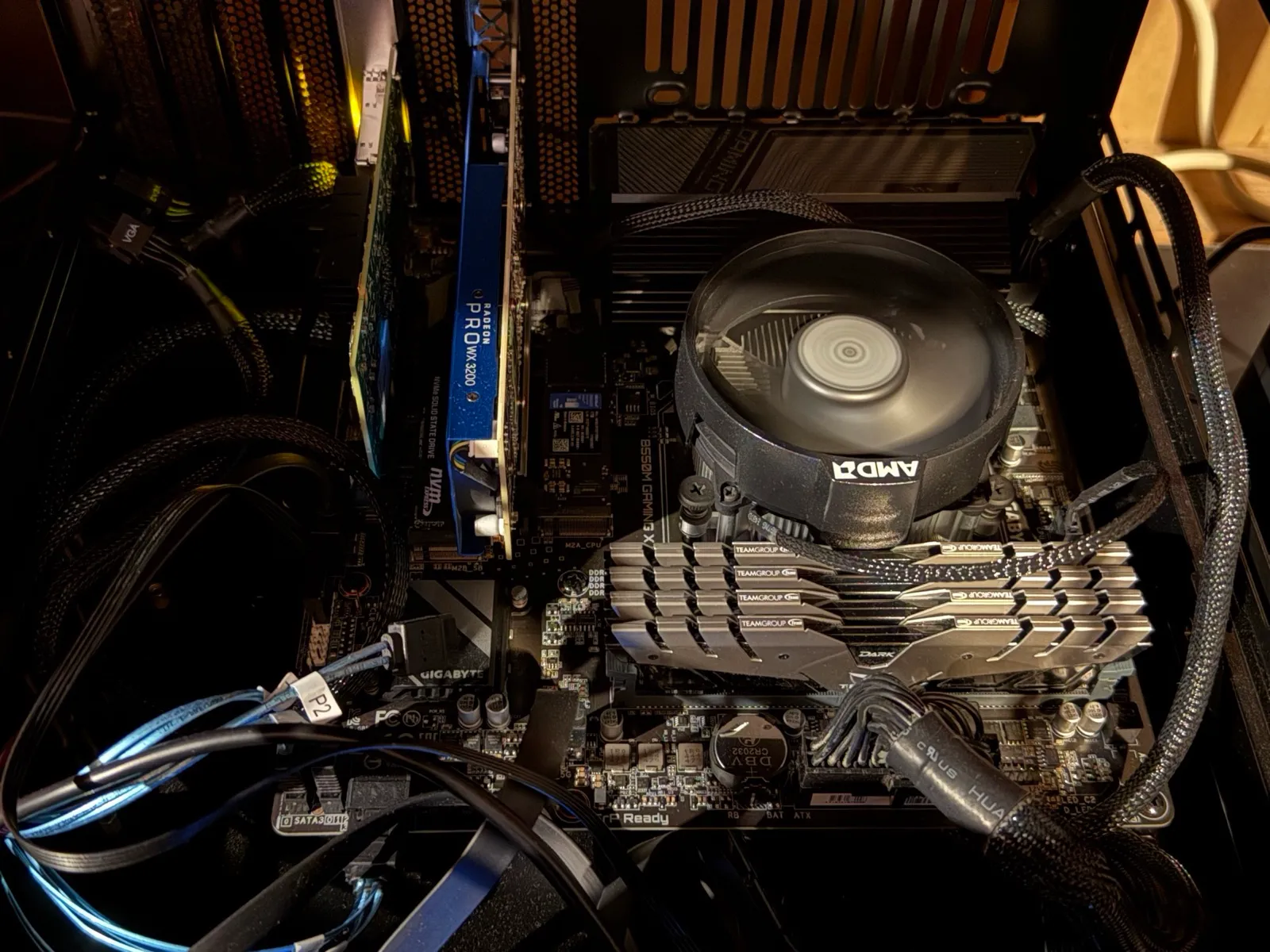
January. The green card is the 10GbE network card, next to a small Radeon Pro.
A NAS in a cool room is easy. A NAS in a room that’s already warm means every bit of airflow matters, which is why heat shows up again later in this story.
Try three: an HBA
What I should’ve bought in the first place is an HBA, a host bus adapter. It’s a proper storage controller, the kind that goes in real servers. Instead of a row of SATA ports, it has a couple of chunky connectors, and each one takes a breakout cable that fans out to four drives.
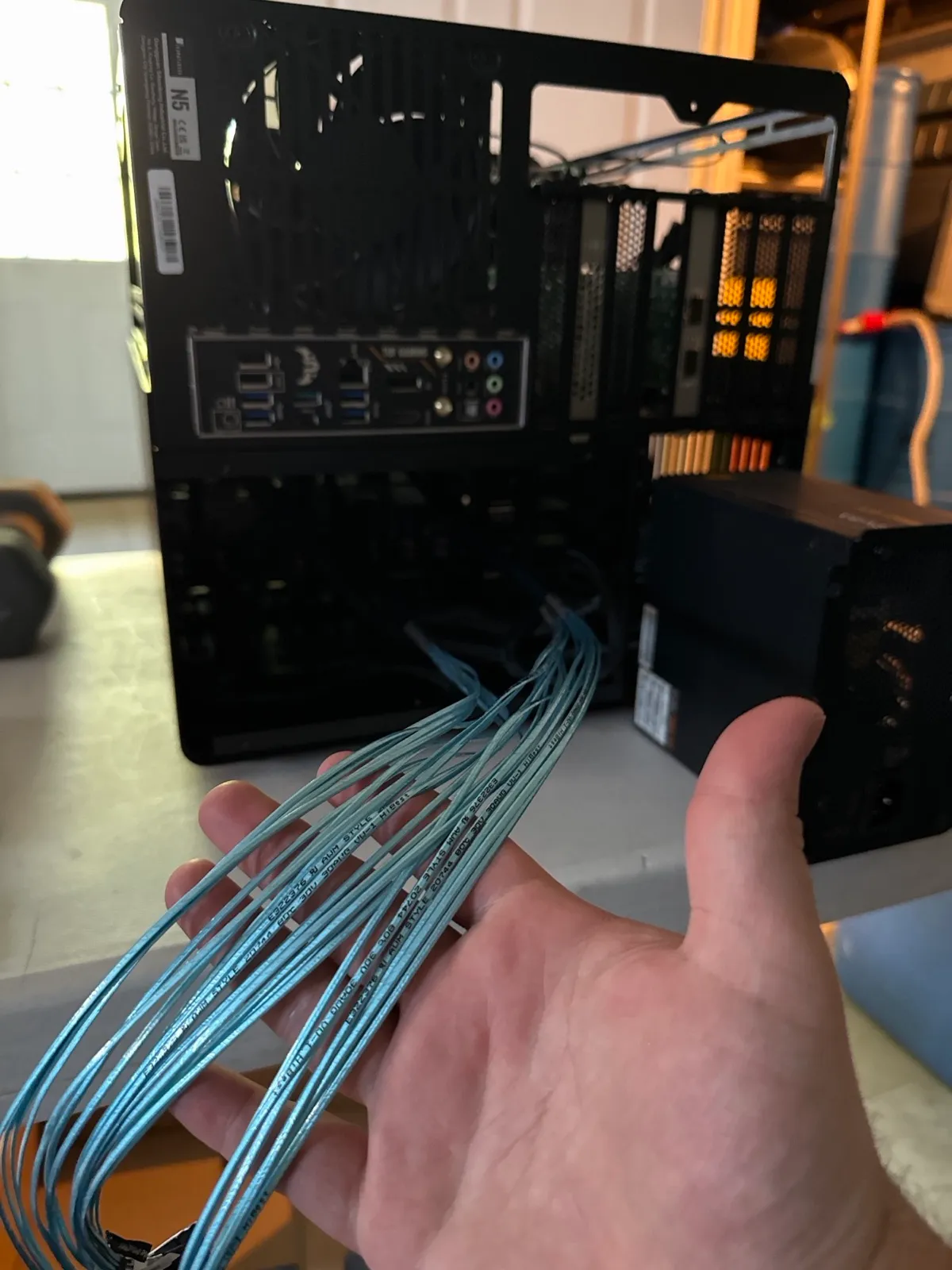
The HBA’s breakout cables. One connector on the card turns into four drive connections, so a whole row of drives runs off a single plug.
That’s a big part of why it feels so much cleaner. Fewer cables going to the card, and each one is built for exactly this job.
For Unraid, an HBA is exactly what you want. Unraid likes to see each drive directly so it can manage them itself, and an HBA just passes the drives straight through without trying to be clever about it.
And here’s the best part: once the SATA card was gone and the HBA was in, every SMART error cleared. The drives were never the problem. The card was.
Keeping the HBA cool
Here’s the thing nobody tells you about HBAs: they run hot. They’re designed for server cases where fans are screaming air through every slot all day. Put one in a quiet NAS case, in a mechanical room that’s already warm, and it’ll cook itself.
My fix was the most homelab fix possible.
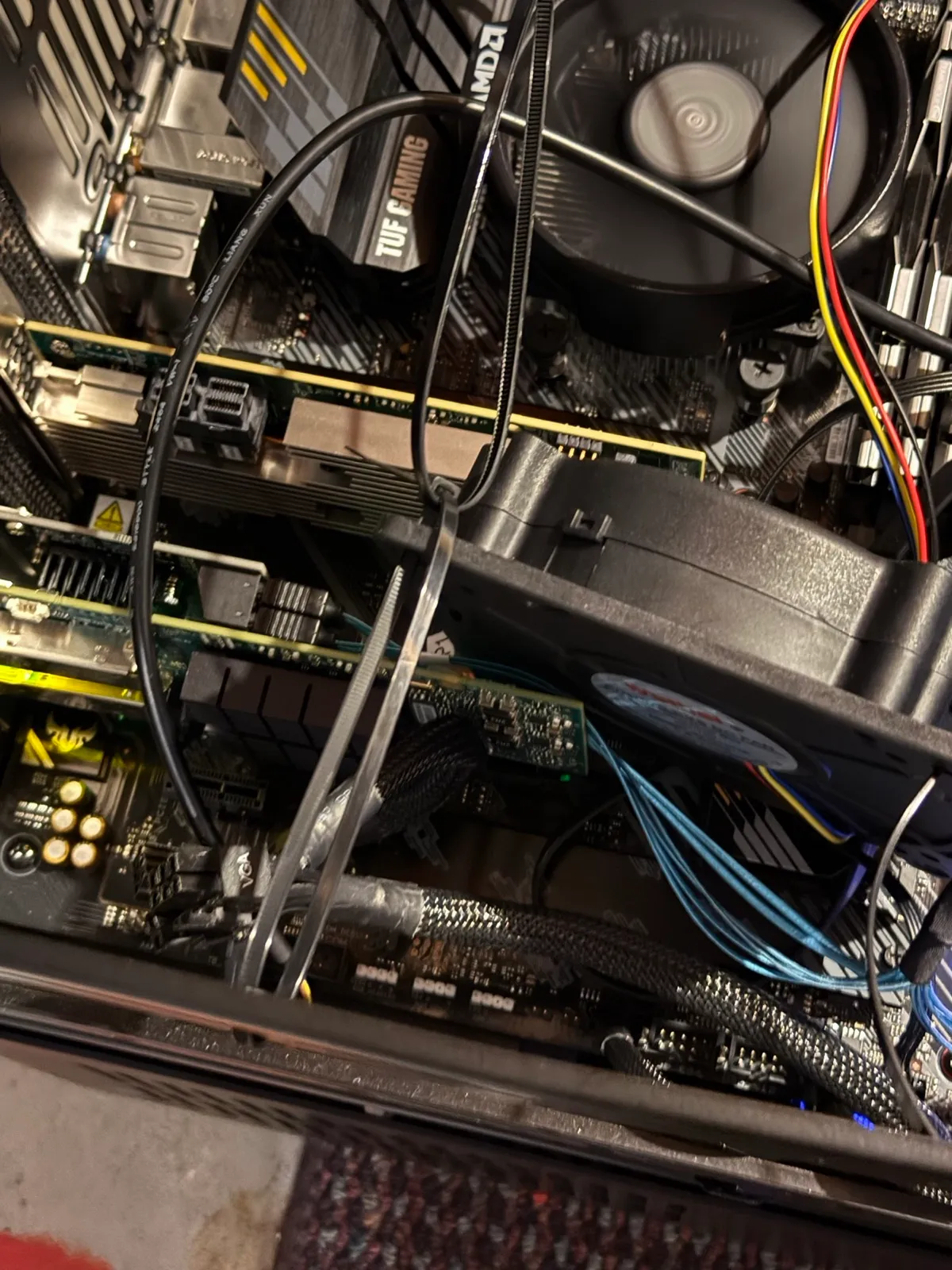
The HBA up close. You can see one of its storage connectors, and the fan I zip-tied right over it to keep it cool. Not pretty, but it works.
Where it ended up
After all that, the drives are finally boring, which is the best thing a NAS can be. No drops, no SMART errors.
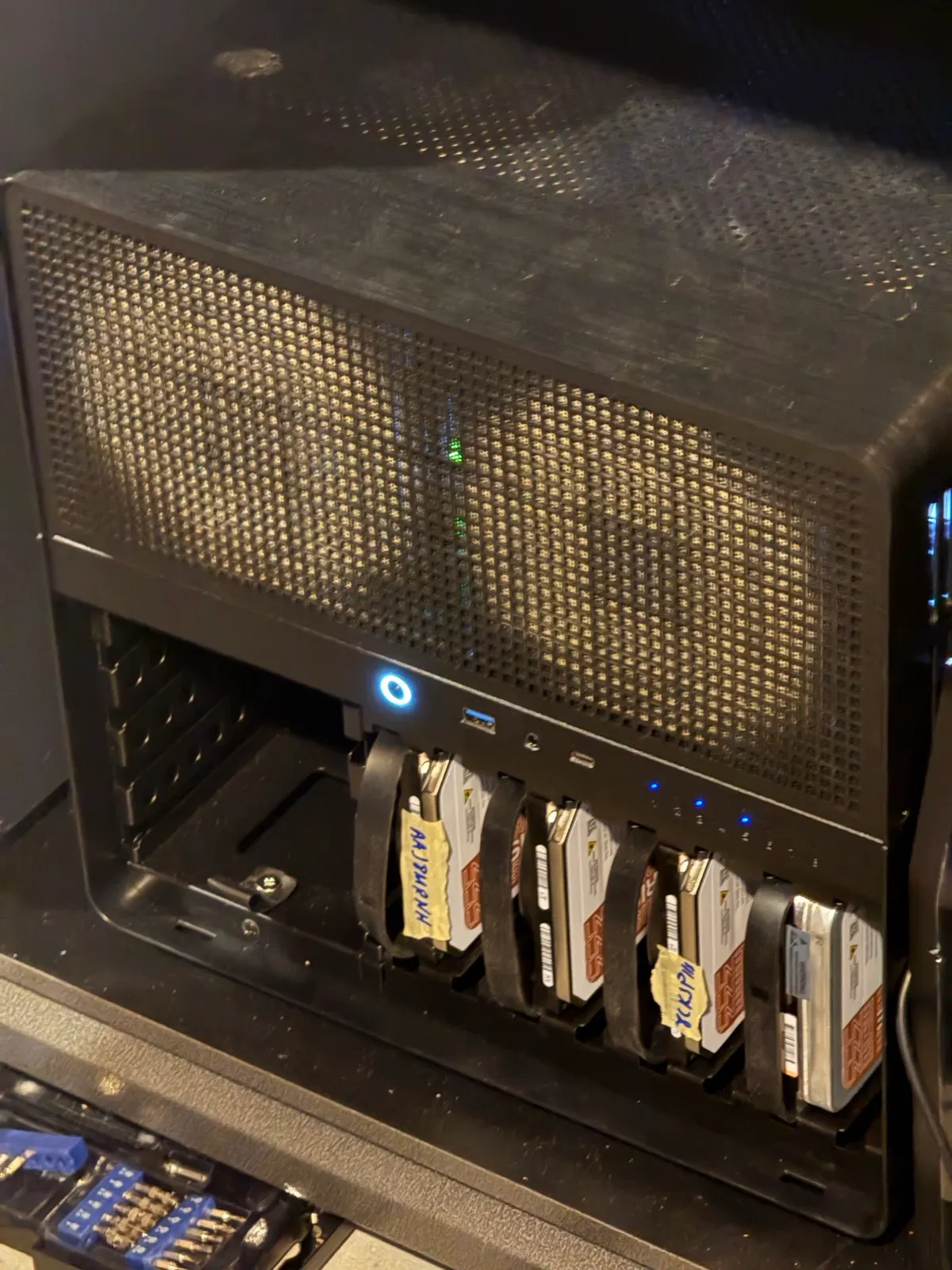
Magnus today. Four drives in the bays and room to grow.
If you’re building a NAS out of desktop parts, my advice is to skip straight to an HBA. And if your drives ever start dropping or throwing SMART errors on a cheap SATA card, check the card before you replace the drives. Mine were fine the whole time.