Blog / / 7 min read
Splitting an Arc Pro B50 between VMs on Proxmox
One Intel Arc Pro B50, carved into virtual GPUs with SR-IOV, so more than one VM gets hardware acceleration.
Most GPU passthrough guides end with one card going to one VM. That works, but it means the card is stuck in that VM even when it’s doing nothing, and every other VM gets no GPU at all.
The Intel Arc Pro B50 can do something better. It supports SR-IOV, which means one physical card can show up as several smaller virtual GPUs. The host keeps the real card, and each virtual GPU gets handed to a different VM like it’s its own graphics card. That’s how the B50 is set up in fenrir, my Proxmox host, and it’s honestly the coolest thing in my homelab right now.
Meet the B50
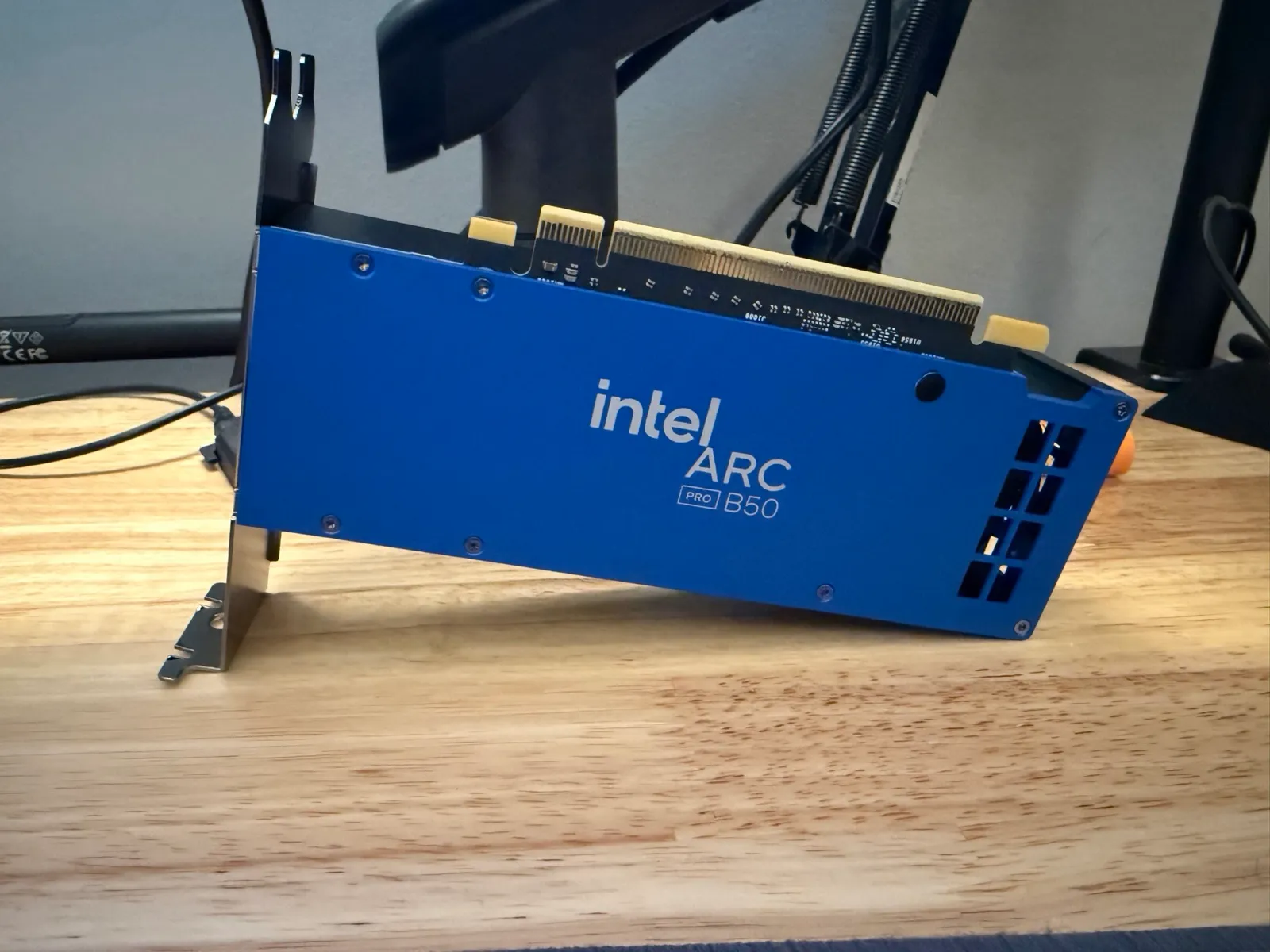
The Arc Pro B50, before it went into fenrir.
The Arc Pro B50 is Intel’s small workstation card from their Battlemage generation. It’s a compact, low power card with 16GB of memory, and it doesn’t need any extra power cables, so it fits in a server without a fight. It’s not a gaming card. What makes it great for a homelab is Intel’s media engine, which is really good at video encoding and decoding, and the fact that it supports SR-IOV, which a lot of cards at this price don’t.
The usual way vs. what I do
The usual way to give a VM a GPU is passthrough: the host lets go of the card completely and the VM gets the whole thing. It’s simple, and it works great, but it’s all or nothing. One VM owns the card, and nobody else gets any of it, even when that VM is idle.
With SR-IOV, the card is still passed through to VMs, just in slices. The host holds on to the real card and creates virtual GPUs from it, and each one of those gets passed through to a VM like it’s a whole card of its own.
The picture
The first virtual GPU is the “media slot.” Both freyja (my Docker host) and astrid (my NixOS VM) are set up to use it, so whichever one is running gets hardware transcoding for Jellyfin. Only one can have it at a time, which works out fine since they do overlapping jobs. The second slot goes to whatever else needs a GPU.
Where it’s passed right now
As of writing, this is what fenrir’s B50 is doing:
- The host keeps the real card and runs the split.
- Virtual GPU 1 is attached to freyja, which is running and doing Jellyfin transcoding with it. astrid is set up for the same slot, but it’s powered off right now, so freyja has it.
- Virtual GPU 2 is attached to another VM that’s also running.
Moving the media slot from freyja to astrid is just shutting one down and starting the other. No config changes, no reboots of the host.
How it fits together
Without getting lost in config files, the setup comes down to four ideas:
- Turn on the IOMMU. That’s the hardware feature that lets a VM safely talk to a real device. Every kind of passthrough needs it.
- Ask the card to split itself. At boot, the host tells the B50 how many virtual GPUs to create. Until you do that, they don’t exist.
- Hand the slices to the VMs. The host’s graphics driver grabs everything Intel by default, so a little script moves the virtual GPUs over to the passthrough driver and leaves the real card where it is.
- Give each slice a name in Proxmox. Instead of pointing VMs at raw hardware addresses, Proxmox lets you make a named mapping, so a VM just says “give me the media slot.” If the hardware ever moves around, I fix it in one place.
Inside the VM, the slice just looks like an Intel GPU. The VM needs a recent kernel and Intel’s media drivers, and that’s it.
One honest note: to get the devices separated the way I wanted, I had to tell the kernel to treat them as more isolated than the motherboard says they are. That’s a real tradeoff, and the kernel warns you about it. For a homelab where I trust every VM, I’m fine with it. I wouldn’t do it on a box running stuff I don’t control.
Seeing who’s using it
Once the GPU was shared, I wanted to know which VM was actually using it. The usual GPU monitoring tools look at the card as a whole, which doesn’t help when the whole point is that it’s split up.
So I wrote a little tool called gpu-vms. The driver keeps counters for how busy each part of the GPU is, broken down per slice. The tool reads those, works out which VMs are attached to which slice, checks which of them are running, and prints a little live table:
                     render     copy  compute    video   vidEnh
host                   0.0%     0.0%     0.0%     0.0%     0.0%
VF1 astrid,freyja*     0.0%     0.0%     0.0%     0.0%     0.0%
VF2 (another VM)*      0.0%     0.0%     0.0%     0.0%     0.0%
The * marks whoever is running, so at a glance you can see freyja has the media slot right now, not astrid. All zeros is the boring answer, since nothing was playing when I grabbed that. When Jellyfin starts transcoding, the video columns on freyja’s row are where it shows up. It’s a dumb little script, but it’s the thing that made this setup feel real instead of like a magic trick.
Was it worth it?
Yeah. One card does transcoding for the media server and still has a GPU left over for another VM, and nothing is fighting over the hardware. It took some reading to get here, but once it’s set it just comes back up on every boot.